macOS
Apple Silicon
For M1 or later Apple Silicon Macs. This is the historical 2026-09 release package, not the rc3 candidate.适用于 M1 及更新的 Apple Silicon 机型。当前为 2026-09 的历史发布包,不是 rc3 候选版本。
- Version版本
- —
- Package安装包
- DMG
- Size大小
- —
- Tested on验收环境
- —
- SHA-256
—
Qountless 涟画 · product page · free release in verificationQountless 涟画 · 产品页 · 免费发布(验收中)
涟画 is a product-visual marketing workstation: e-commerce images, vertical short videos and short-drama clips, made in one local project. This page collects the six things you need before installing: download, three 1-minute scene demos, template previews, pricing and sign-up/purchase entry, FAQ, and the community.涟画 是商品视觉营销工作台:电商图片、竖版短视频与短剧片段在同一个本机工程里完成。本页把安装前要看的六件事放在一起:下载、三大主场景 1 分钟演示、模板预览、价格与注册购买入口、FAQ、社区入口。
Status: macOS + Windows first release · macOS signed/notarized · Windows signing pending · free release · accounts and paid plans not open · community MVP not launched状态:macOS + Windows 双平台首发 · macOS 已签名/公证 · Windows 待签名 · 免费发布 · 账户与付费套餐未开放 · 社区网页为 MVP 演示、未上线
macOS and Windows are both first-release platforms. A download button appears only after that exact package passed its release gate (CI build, SHA-256 recorded, public re-download check). The macOS candidate is signed, notarized and stapled; Windows signing is pending.macOS 与 Windows 同为首发平台:只有该平台安装包通过发布闸门(CI 构建产出、SHA-256 入库、公开重下校验)后才出现下载按钮。macOS 候选已签名、公证与 staple;Windows 仍在等代码签名证书。
macOS
For M1 or later Apple Silicon Macs. This is the historical 2026-09 release package, not the rc3 candidate.适用于 M1 及更新的 Apple Silicon 机型。当前为 2026-09 的历史发布包,不是 rc3 候选版本。
—Windows 11
Windows x64 is a first-release platform, not a closed one. The unsigned NSIS package (plus MSI for numeric versions) is built by CI; the download opens once its SHA-256 is recorded and passes the release gate. Clean-device acceptance is still pending.Windows x64 是首发平台,不再关闭。未签名 NSIS 安装包(数字正式版本另产 MSI)由 CI 构建;校验和入库并通过发布闸门后开放下载。干净设备验收仍在进行。
—Linux
Ubuntu 24.04 x86_64 is the only distribution in the current test promise. Testing is in progress and no package is published.当前测试承诺只覆盖 Ubuntu 24.04 x86_64;仍在测试,尚未发布安装包。
—Each demo is a 60-second interactive walkthrough built from frames of the current development build. Use the controls; it is not an auto-playing promo video.每个演示是一段 60 秒交互走查,画面取自当前开发版界面。用按钮播放;不是自动播放的宣传片。
00:00 — 00:10
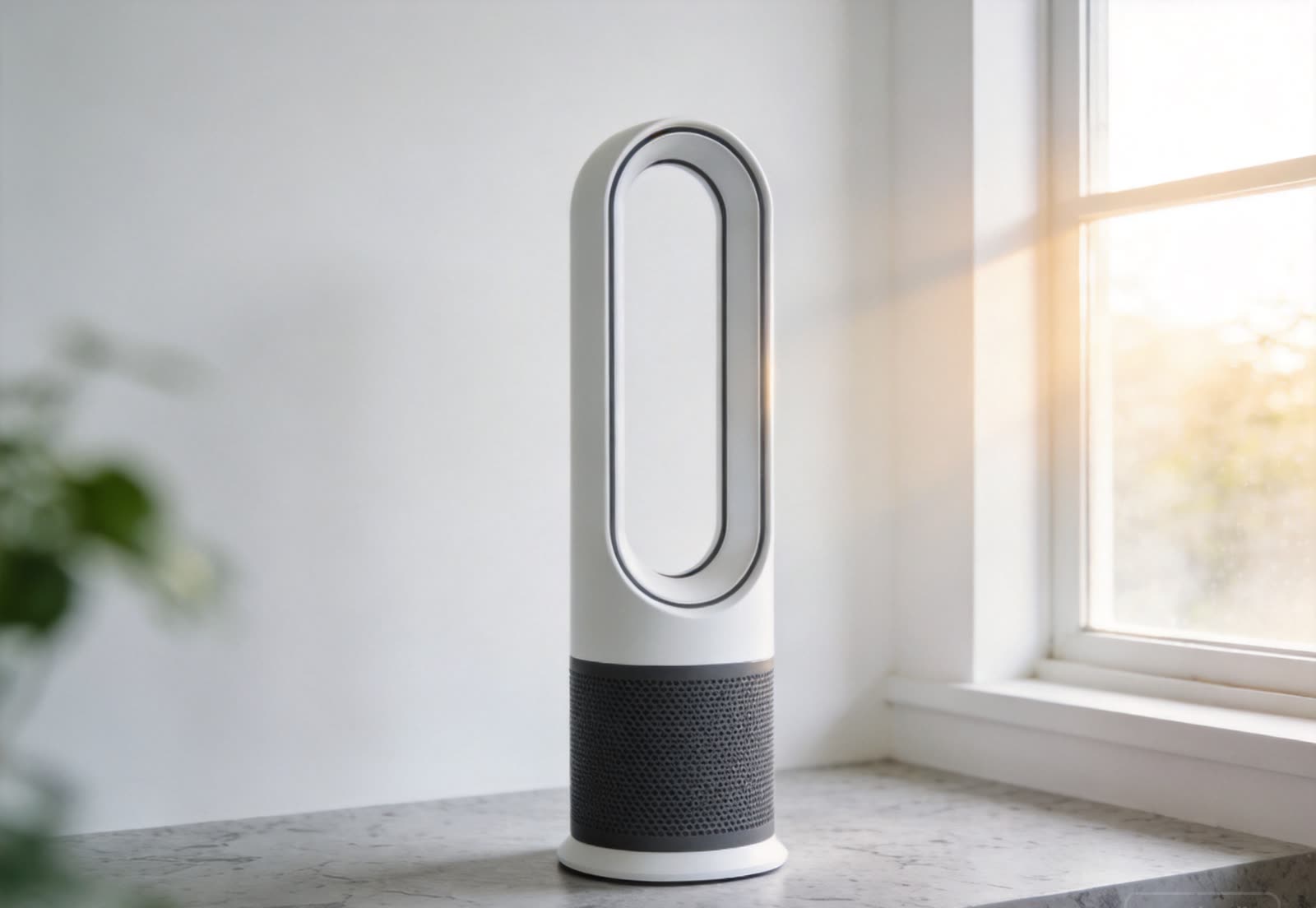
A real photo of one product is the input. Images, detail-page modules and the vertical video all stay in the same project.输入一件商品的真实照片;主图、详情页视觉与竖版视频都留在同一个工程里。
00:10 — 00:20
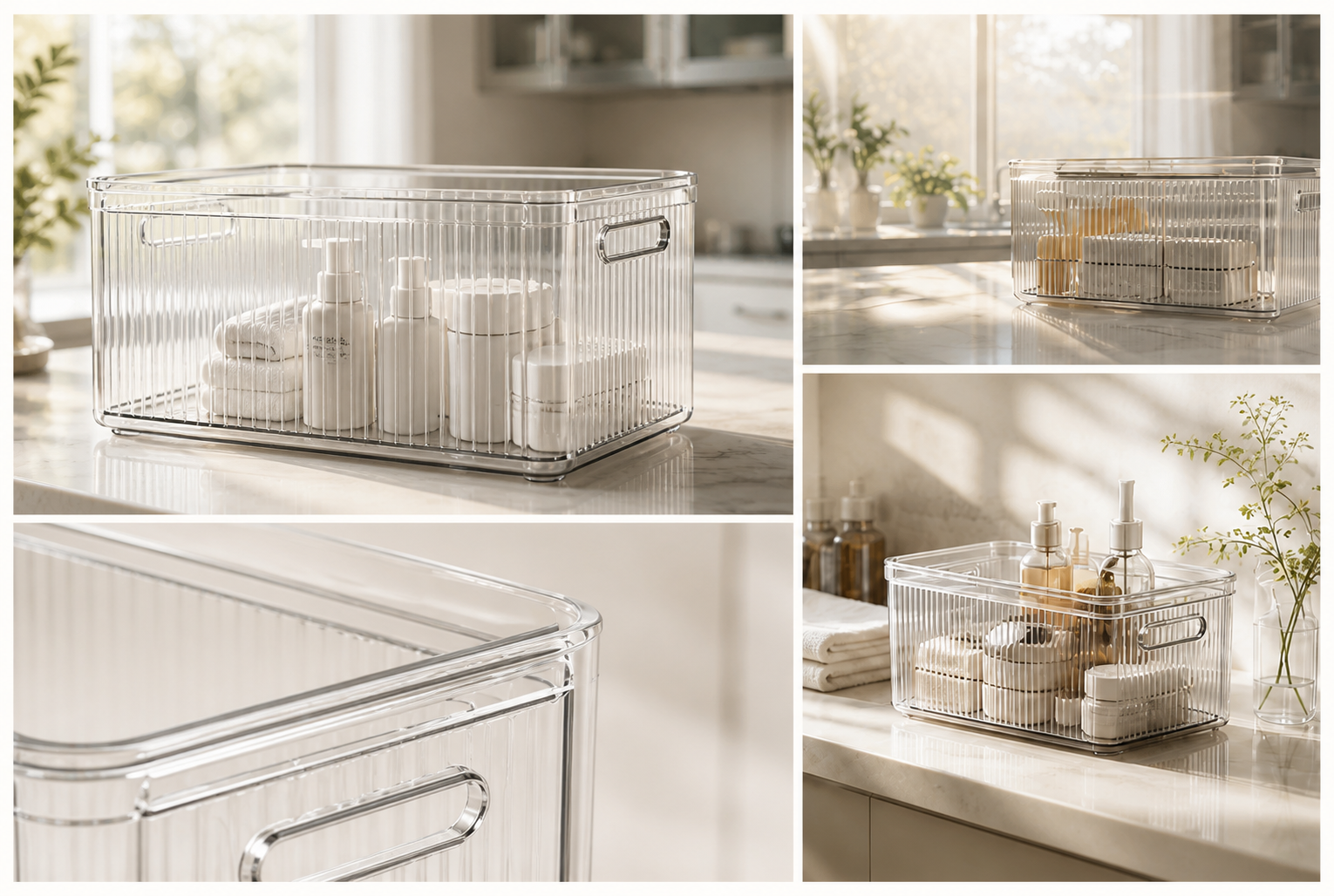
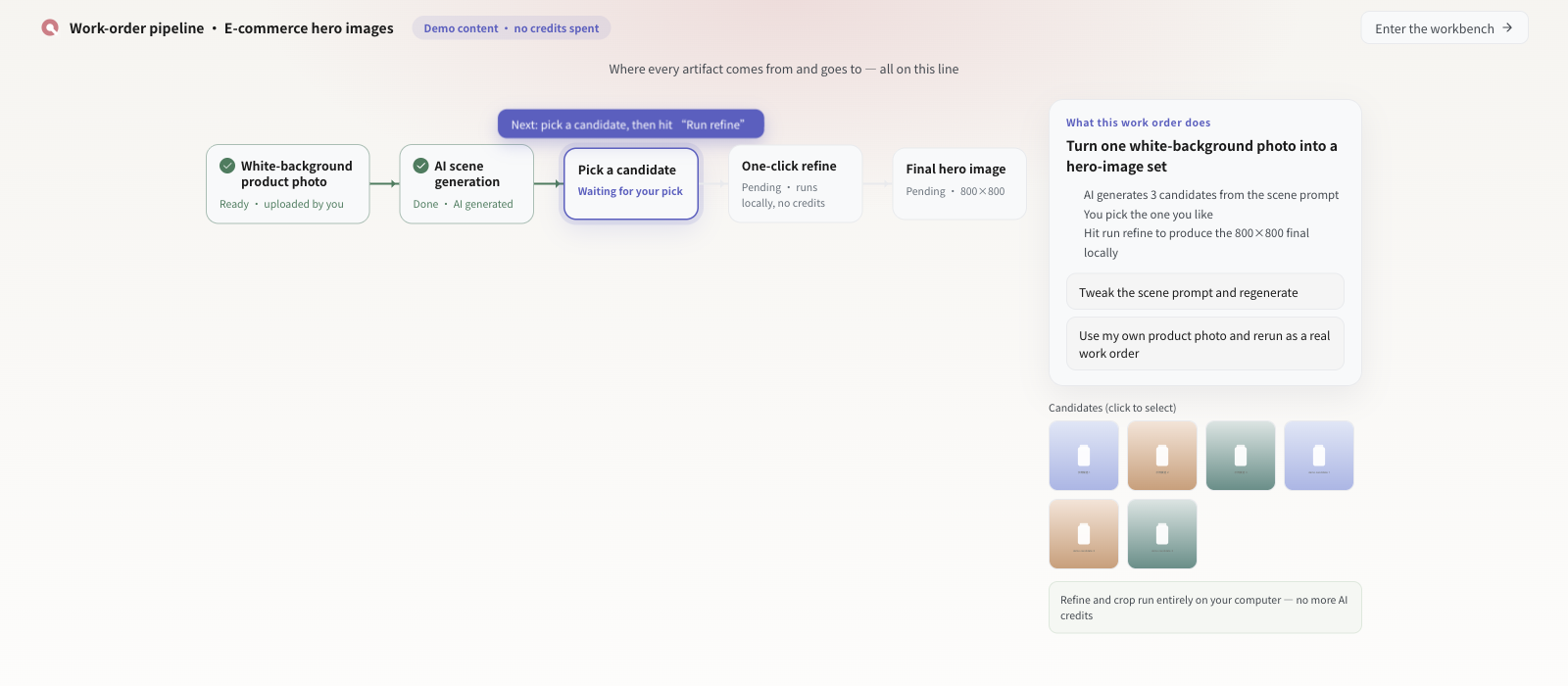
Generate home or bathroom scenes; each candidate is a choice for a human, not an automatic replacement.生成家居或浴室场景候选;候选只供人选择,不会自动替换你的商品图。
00:20 — 00:30
Product, scene and delivery spec go into one work order; the pipeline runs against that order instead of ad-hoc retries.商品、场景与交付规格写进同一张需求单,流程按单执行,而不是零散重试。
00:30 — 00:40
After generation, keep working on the frame: ratio, selling-point copy, clean edges. Nothing leaves your computer here.生成之后继续精修:比例、卖点文字、边缘干净程度。这一步全部在你自己的电脑上完成。
00:40 — 00:50
The original and the revision are compared side by side. Only the version you confirm becomes a deliverable.原版与修改版并排对比,只有你确认的版本才成为交付物。
00:50 — 01:00
Export 800×800 hero images and detail-page visuals; the project can be reopened and changed later.导出 800×800 主图与详情页视觉;工程之后还能重新打开继续改。
00:00 — 00:10
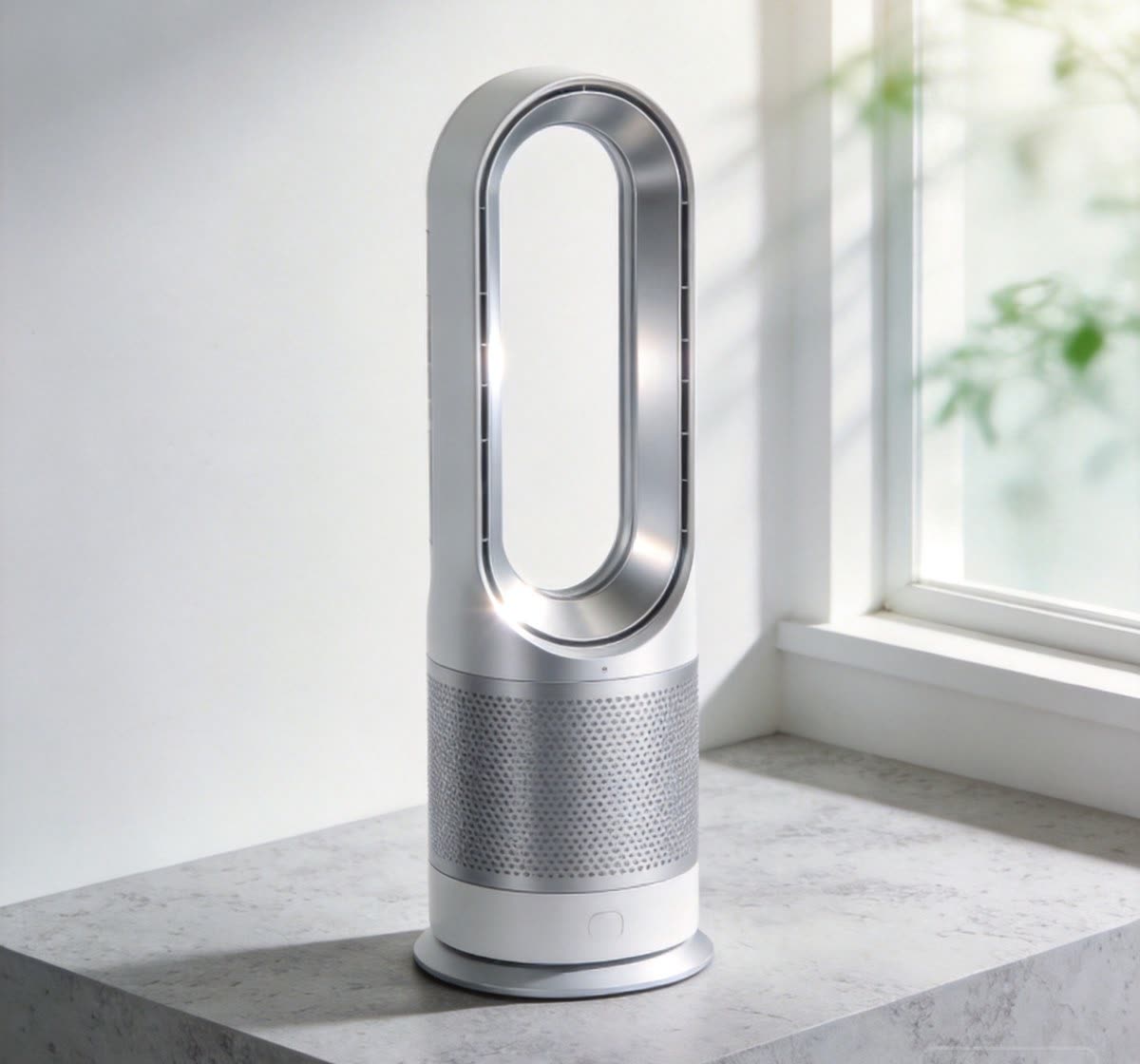
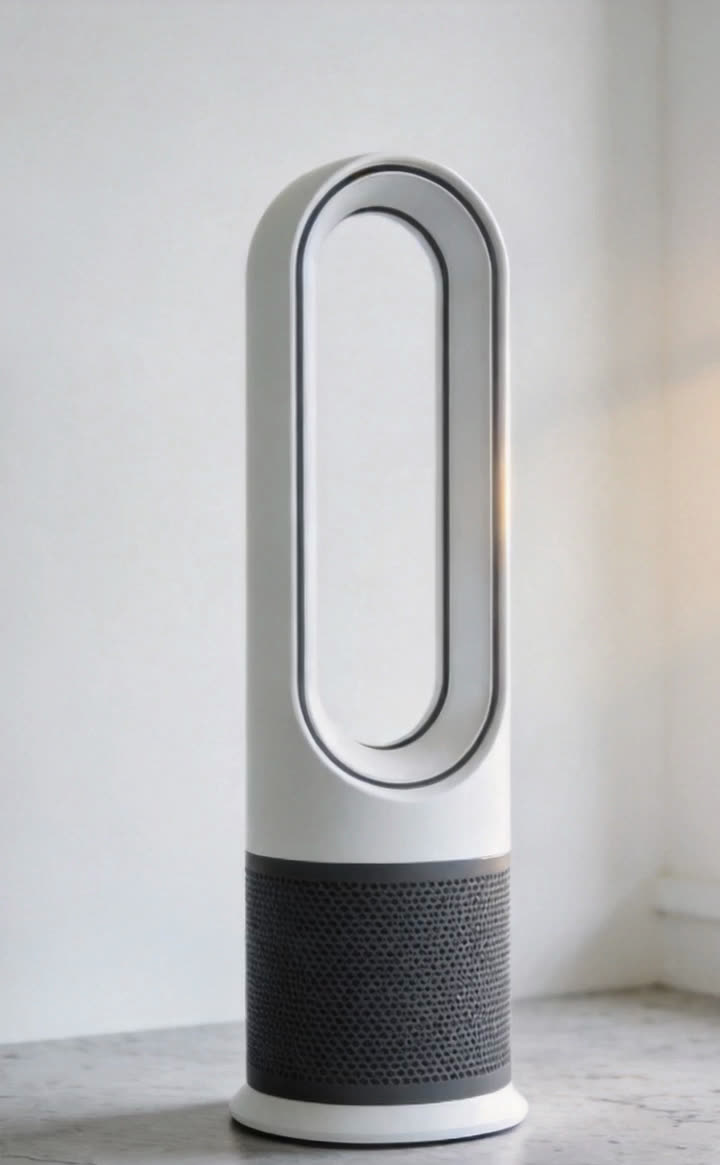
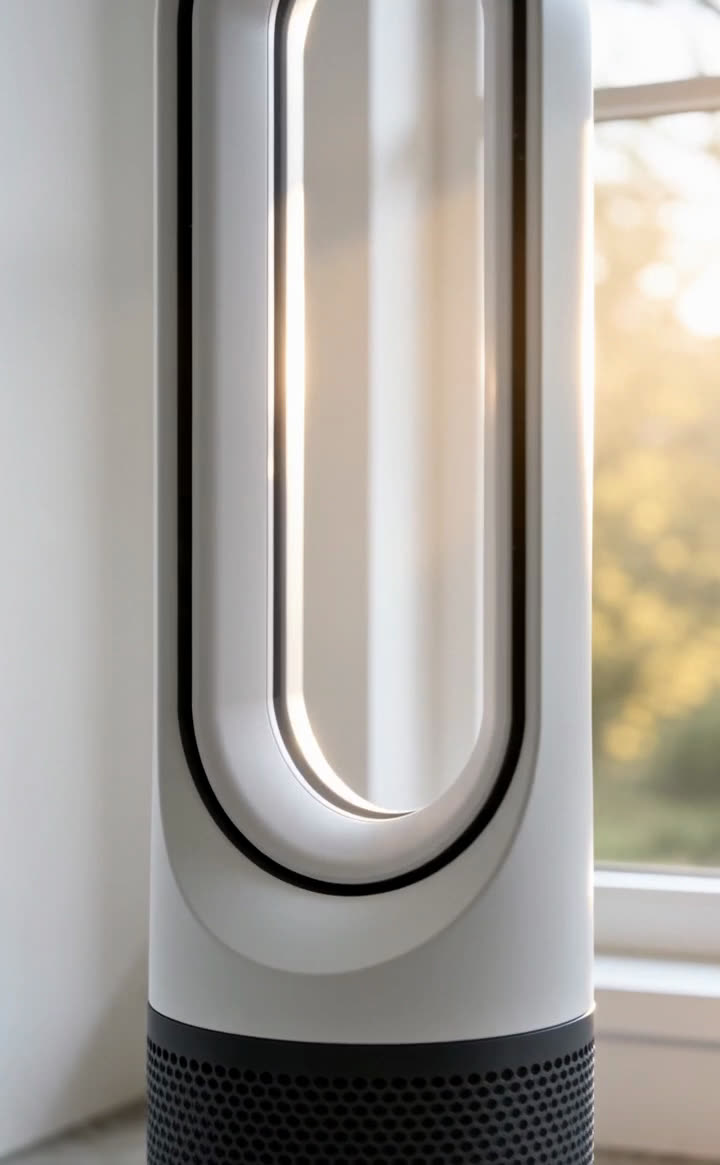
Make the first frame as an image first: product, lighting and composition fixed before any video generation.先用图片把首帧做好:商品、光线与构图在生成视频前就确定。
00:10 — 00:20
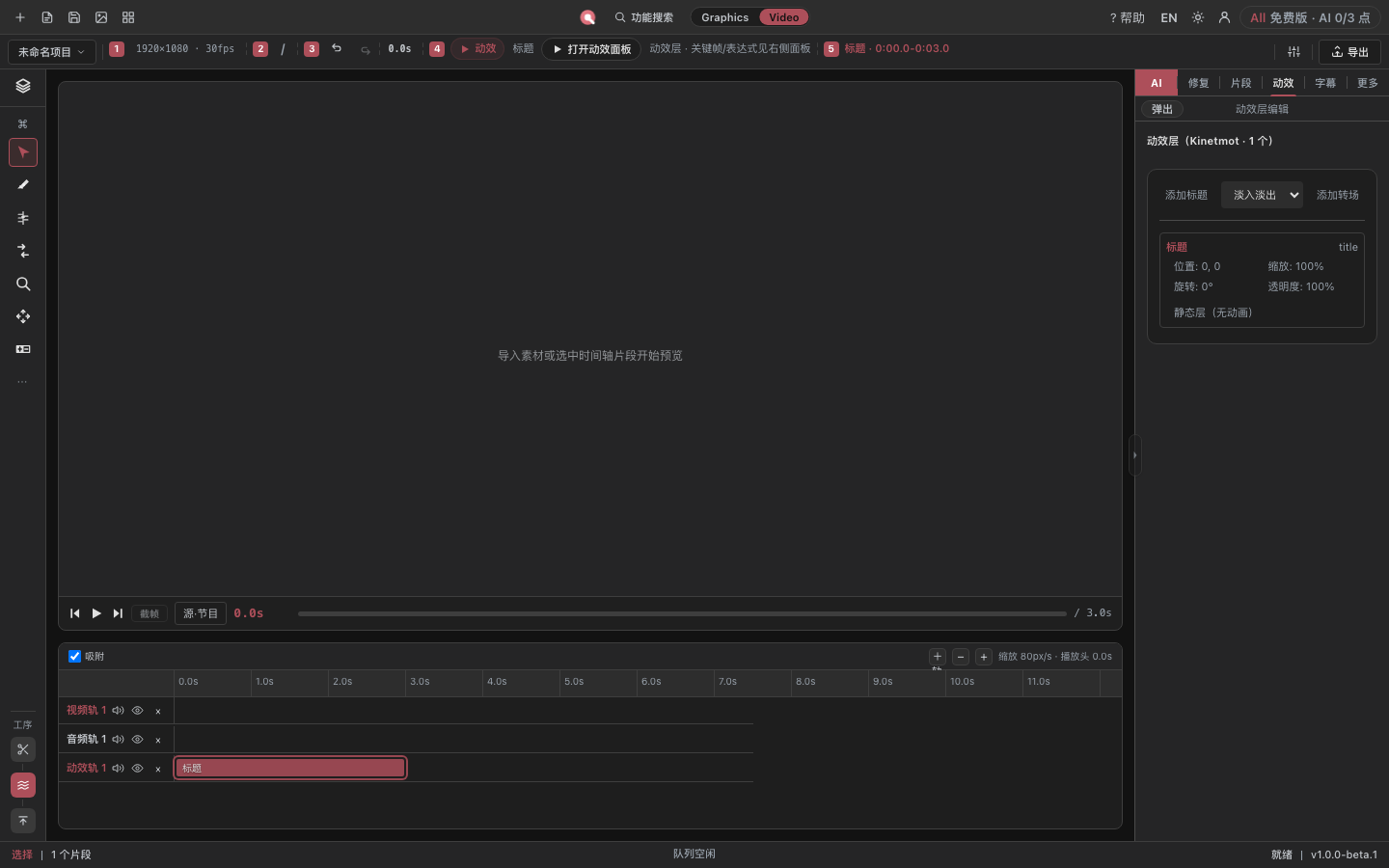
No exporting to another tool and dragging media back: the image and the timeline share one project.不需要导出到另一个工具再拖回来:图片与时间线在同一个工程里。
00:20 — 00:30
Generate shot by shot; original and candidate are compared before anything enters the timeline.按镜头生成;原版与候选并排比较,确认后才进时间线。
00:30 — 00:40
Fix a defective frame in place instead of re-generating the whole shot and losing the acceptable parts.在现场修复缺陷帧,而不是整条镜头重做、把可用的部分一起丢掉。
00:40 — 00:50
Check the repaired frame and keep subtitles and selling points inside the vertical safe area before rendering.逐帧确认修复结果;渲染前把字幕与卖点放在竖版安全区内。
00:50 — 01:00
Export at 1080×1920 / H.264 / 30 fps on your own computer; the final frame should match the first.在你自己的电脑上按 1080×1920 / H.264 / 30fps 导出;收尾帧要与首帧一致。
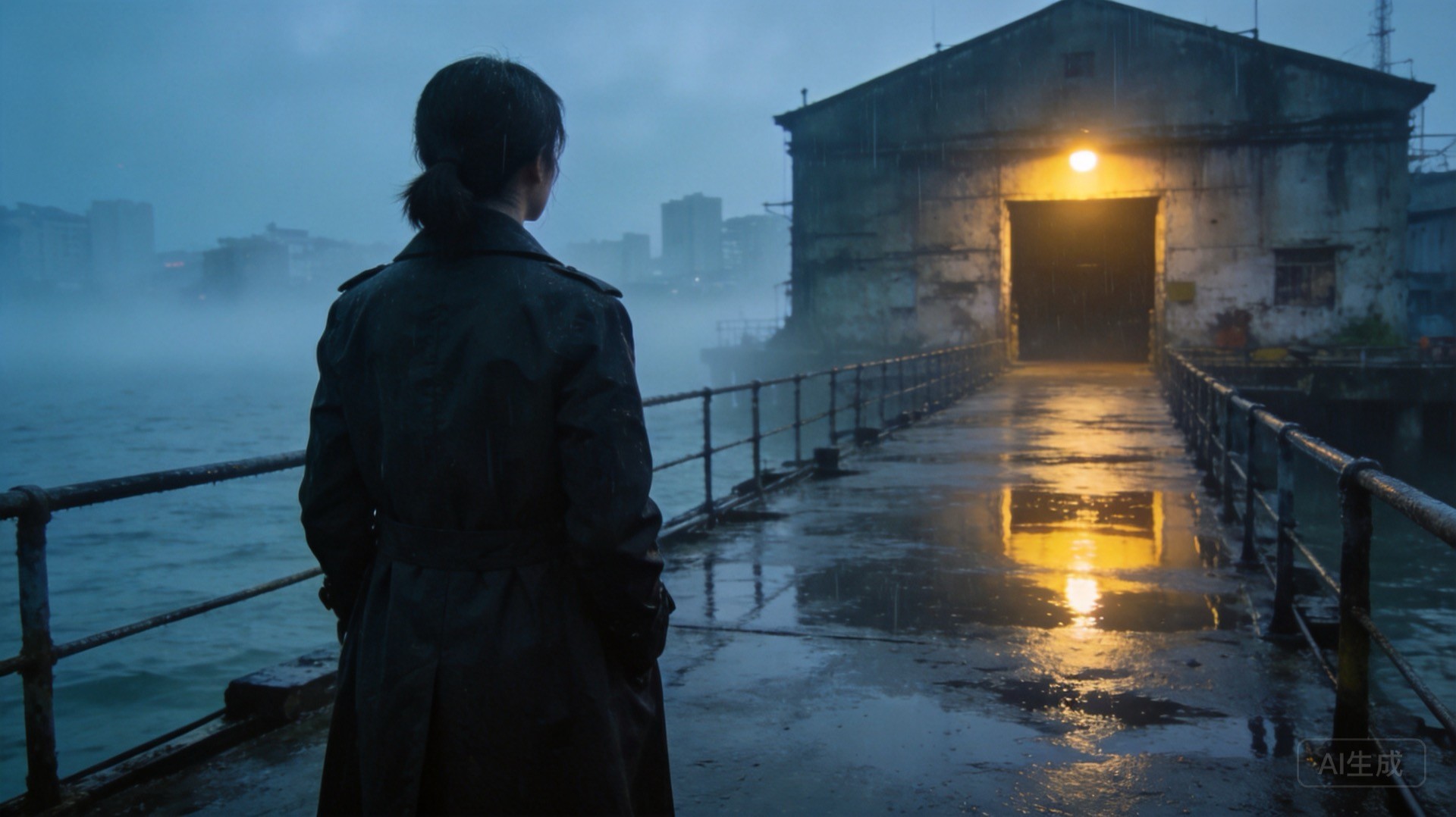
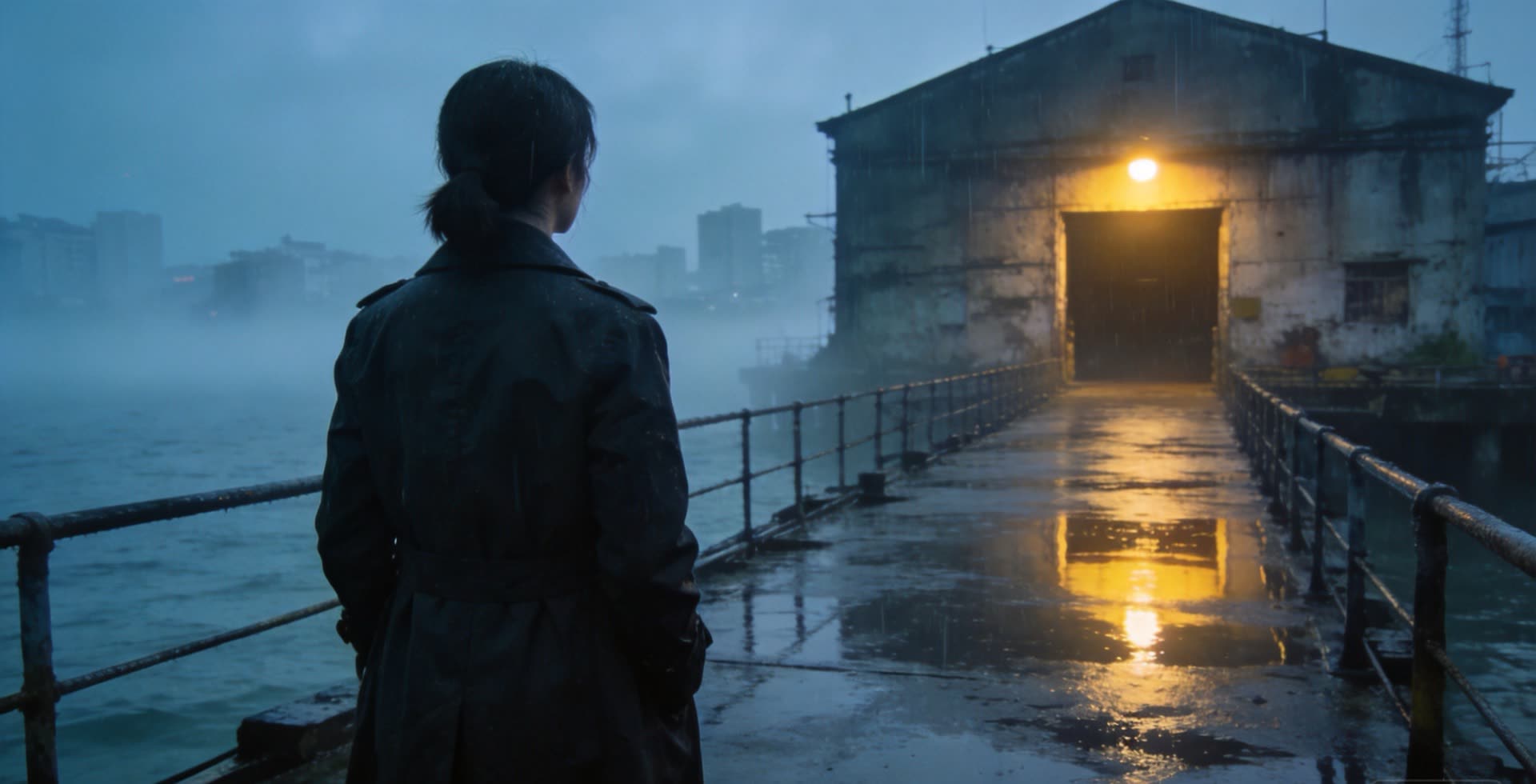
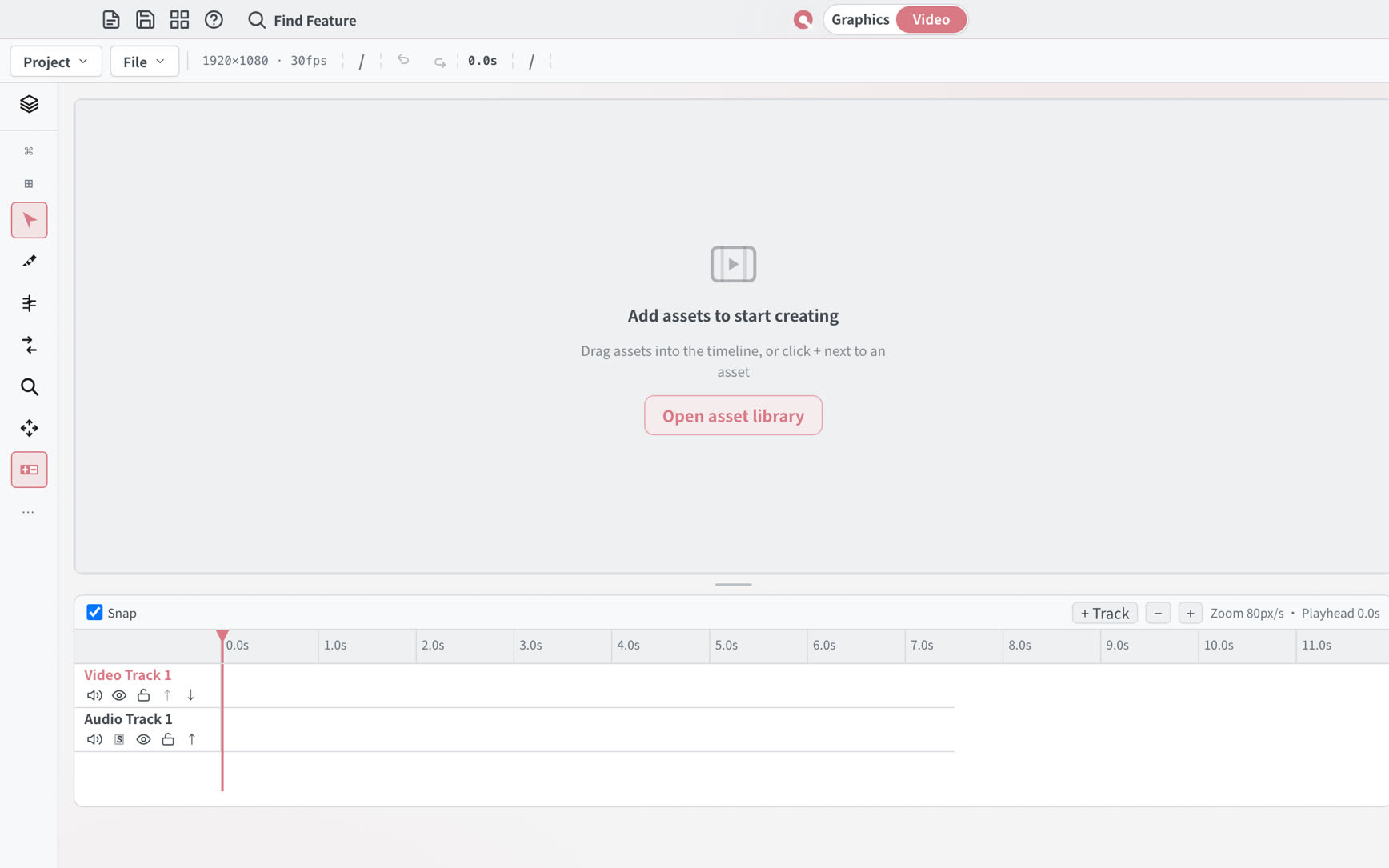
00:00 — 00:10
Direction, character and scene come first; multi-shot continuity is still being verified and is not promised by this release.先定方向、角色与场景;多镜头连续性仍在验证,本次发布不承诺做到。
00:10 — 00:20
A sentence plus reference frames becomes a work order: what to keep, what to change, how long the clip is.一句话加参考帧写成需求单:保留什么、改什么、片段多长。
00:20 — 00:30
Each shot arrives as candidates; the original is kept so you can compare and decide.每个镜头先出候选;原版始终保留,便于对比与决定。
00:30 — 00:40
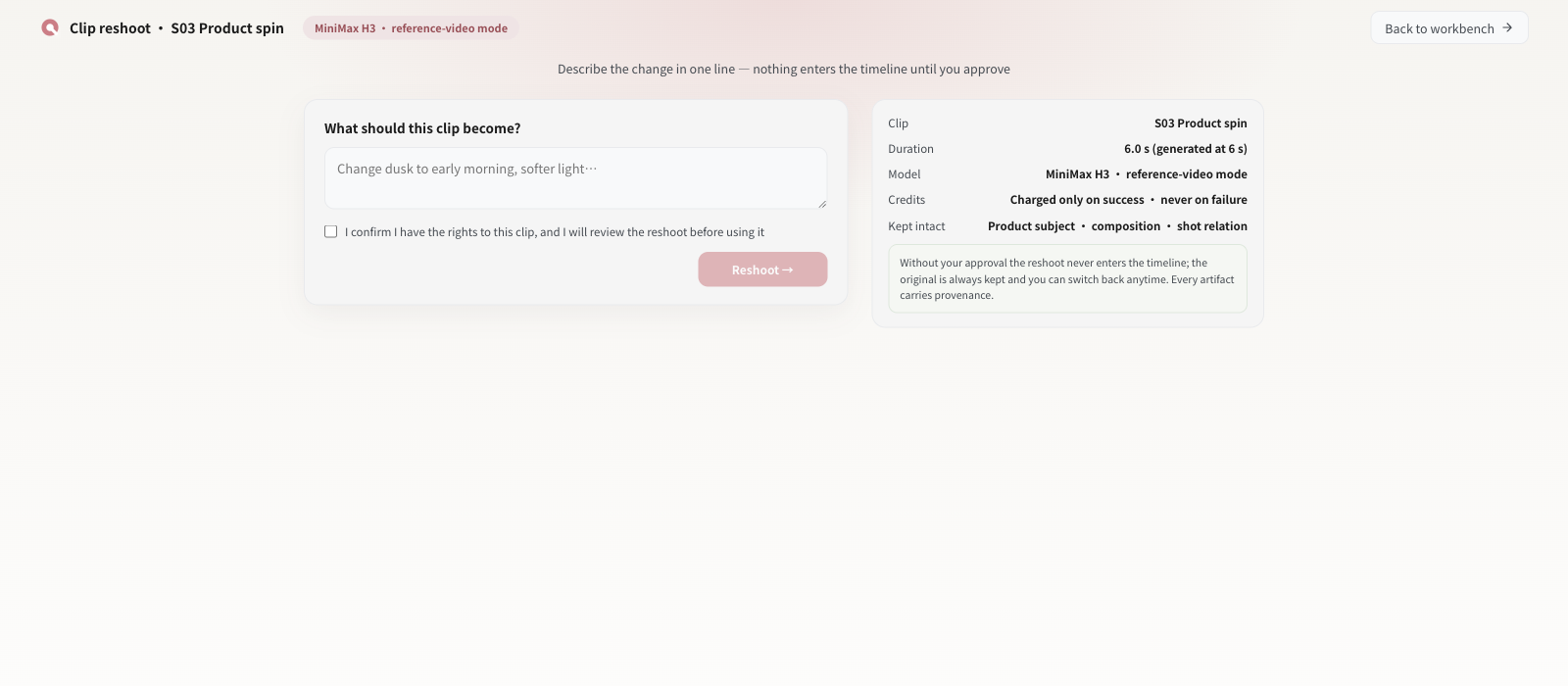
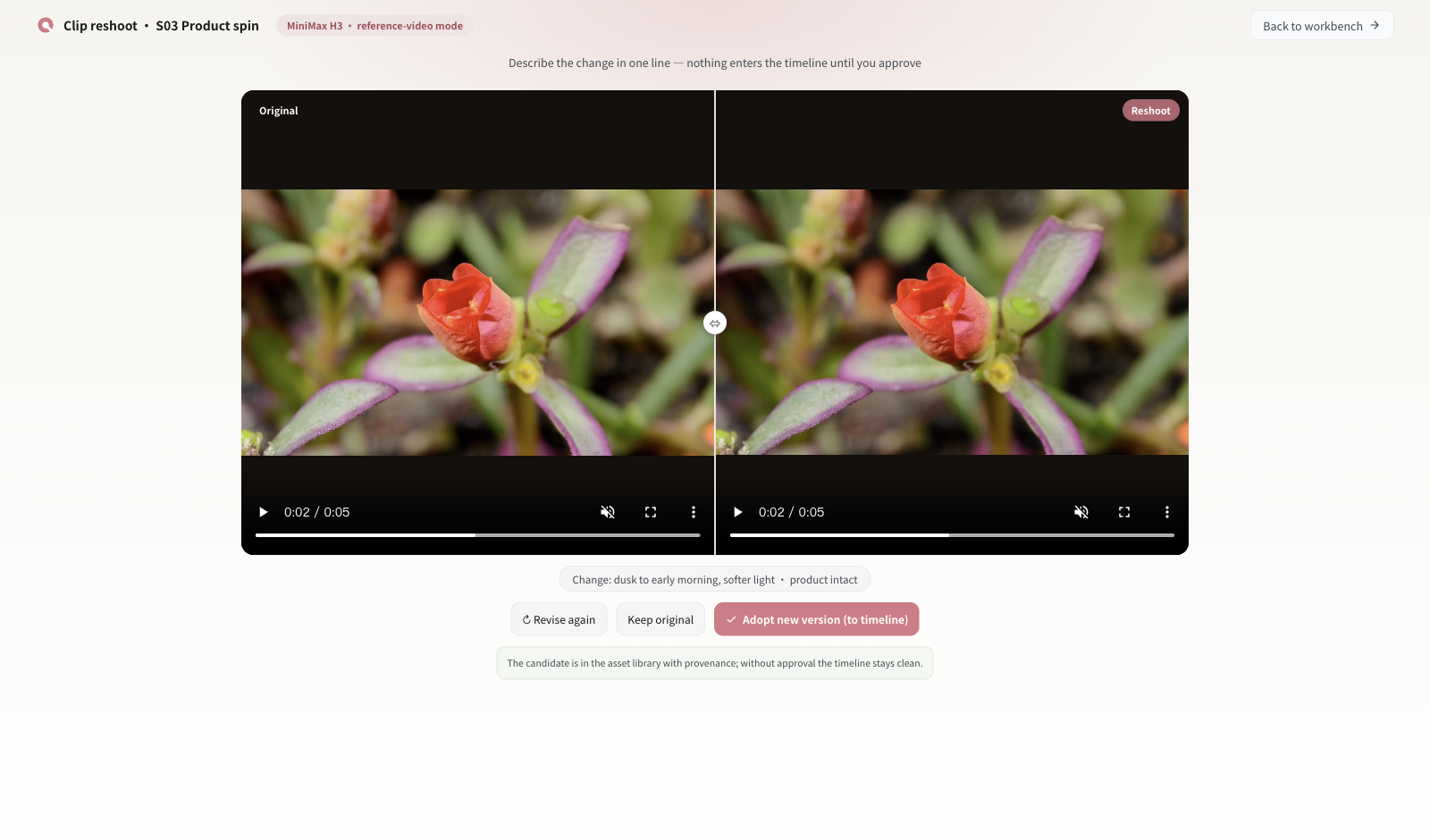
Reshoot any clip with one sentence; the original and the reshoot sit side by side.用一句话重拍任意一段;原版与重拍版本并排对比。
00:40 — 00:50
Nothing enters the timeline until you approve it; the editing work stays in one project.你确认之前没有任何镜头进入时间线;剪辑工作留在同一个工程里。
00:50 — 01:00
Export the approved clip locally. Multi-shot continuity across a whole series remains a direction, not a shipped capability.在本机导出已确认的片段。整部剧的多镜头连续性仍是方向,不是已交付能力。
These are real built-in templates from the 涟画 template library. "Use this template" explains the desktop path; the website does not hand out template files.以下为 涟画 模板库中真实存在的内置模板。点「用这个模板开始」会给出桌面端操作路径;网页端不发放模板文件。
.qgxProduct image + three selling points + price + promo corner + brand mark; square and vertical artboards.商品图 + 三卖点 + 价格 + 促销角标 + 品牌标志;方图与竖版双画板。
.qvxVertical selling format: price sticker, cart guide bar, spoken subtitles, product corner mark.竖屏带货口播:价格贴片、挂车引导条、口播字幕、产品角标。
.qgxBig top headline + bottom action area for the first three seconds of a vertical video.竖屏顶部大字 + 底部行动区,服务前 3 秒构图。
.qvxVideo + subtitle + audio tracks with subtitle styling optimised for vertical screens.视频 + 字幕 + 音频轨,字幕样式针对竖屏优化。
.qvxLarge subtitle cards with heavy outlines; position adjustable to the vertical safe area.大字弹幕风字幕卡,粗描边,位置可按竖版安全区调整。
.qvxA 3-second attention-grabbing opener: text pop-in plus scale motion.3 秒热点吸睛开场:文字弹出 + 缩放动效。
.qvxVertical drama opener: title + episode number + lead-actor slot + brand colour.竖屏短剧开场:剧名 + 集数 + 主演位 + 品牌色。
.qvxVertical dialogue bar: character-name tag + emoji slot, overlaid on the picture.竖屏台词字幕条:角色名标签 + 表情符号位,叠加在画面上。
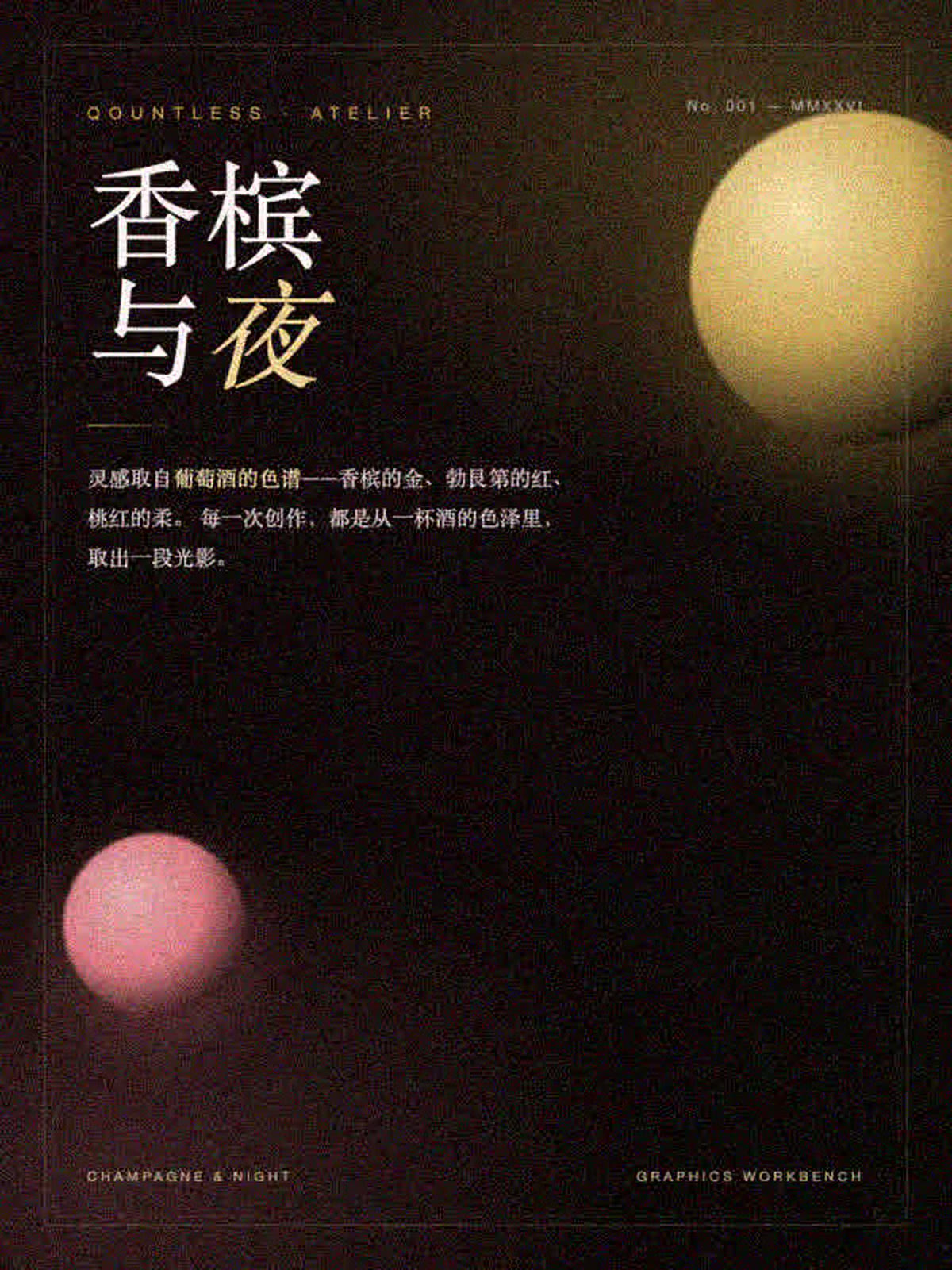 .qvx
Emphasis subtitle style with outline and shadow for recap and information cards.重点强调字幕样式,描边 + 阴影,用于信息卡与剧情回顾。
Boundary: template previews match the built-in template registry in the desktop app (template IDs shown). The website does not distribute .qgx/.qvx files and does not fake a one-click import; community template download is an MVP demo without a backend.边界说明:模板预览对应桌面端模板库中真实存在的内置模板(已标模板 ID)。网页端不发放 .qgx/.qvx 文件,也不假装已有一键导入;社区模板下载为未接后端的 MVP 演示。
Free / Go / Pro / Studio share the same creative features; only AI points, seats, commercial scope and batch delivery differ. Paid plans are not open for purchase yet.Free / Go / Pro / Studio 四档创作功能一致;差别在 AI 点数、席位、商用范围与批量交付。付费套餐尚未开放购买。
Team plans are priced per seat (minimum 2 seats, 0.85× the personal rate), with points per seat × seats each month. See the pricing page for the full matrix.团队版按席位计价(最少 2 席,个人价 ×0.85),每月点数为每席点数 × 席位数。完整矩阵见定价页。
There is no real account or payment backend on this site yet. Clicking the button opens a status panel with the actions that actually exist today; it is not a checkout.本站目前没有真实账号与支付后端。点按钮打开的是说明面板,列出今天真实可做的动作;它不是结账流程。
Install, export, refunds and contact. If your question is not here, ask in the community or email support.安装、导出、退款与联系方式。这里没有的问题,去社区提问或邮件联系。
The first release covers macOS Apple Silicon (M1 or later) and Windows 11 x64. macOS is downloadable now; the Windows package is built by CI and opens for download once its SHA-256 is recorded and it passes the release gate. Linux is under device testing. Intel Macs are not covered by this release.首发覆盖 macOS Apple Silicon(M1 及更新)与 Windows 11 x64:macOS 现已可下载;Windows 安装包由 CI 构建,校验和入库并通过发布闸门后开放下载。Linux 处于真机测试。Intel Mac 不在本次发布范围。
The macOS package is signed, notarized and stapled. Windows signing is still pending, so Windows may show a SmartScreen prompt. Follow the install steps on the download page and do not disable your security software.macOS 安装包已签名、公证与 staple;Windows 仍在等代码签名证书,可能出现 SmartScreen 提示。按下载页的安装步骤操作,不要关闭你的安全软件。
Windows x64 is part of the first release, not a permanently closed platform. The unsigned NSIS package (plus MSI for numeric versions) is built by CI; the download button opens automatically once the SHA-256 is recorded and the package passes the release gate. Clean-device acceptance is still pending, so no date is promised.Windows x64 属于首发平台,不是永久关闭。未签名 NSIS 安装包(数字正式版本另产 MSI)由 CI 构建;SHA-256 入库并通过发布闸门后下载按钮自动开放。干净设备验收仍在进行,因此不承诺具体日期。
No for the domestic release direction: image/video generation in mainland China runs through the Qountless gateway and is charged by AI points. Points and paid plans are not open for purchase yet; the numbers on this page are list prices. If any connected feature needs a third-party key, the app says so explicitly.国内方向不需要:大陆地区的图片/视频生成走 Qountless 网关,按 AI 点数计费。点数与付费套餐尚未开放购买,本页数字是刊例价。若某个联网功能确实需要第三方 Key,软件会明确提示。
Vertical video exports at 1080×1920, H.264, 30 fps. Image output and export resolution depend on the quality tier and plan; 4K export and batch delivery are Pro and above, which cannot be purchased yet.竖版视频导出为 1080×1920、H.264、30fps。图片与导出分辨率取决于生成档位与套餐;4K 导出与批量交付属 Pro 及以上,目前还不能购买。
The release is free and there is no paid 涟画 product on sale, so there is nothing to refund today. After paid plans open, refunds follow the published refund policy and the actual payment channel rules; the refund page will be updated before that happens.发布免费,本站没有在售的付费 涟画 产品,今天不产生退款。付费套餐开放后按已公布的退款说明与真实支付渠道规则执行;开放前会先更新退款页。
Editing, repair, transcoding and export run on your own computer. Accounts and cloud services are not open in this release. When they open, mainland-China user data will be stored within mainland China; see the privacy policy.剪辑、修复、转码与导出都在你自己的电脑上完成。本次发布未开放账户与云端服务;开放后境内用户数据将存储于中国境内,详见隐私政策。
Template previews on this page are real built-in templates in the desktop app; the website does not distribute template files. The community website (Q&A, templates, works, tutorials) is an MVP demo with local mock data — no real backend, no accounts, not launched.本页模板预览是桌面端真实存在的内置模板;网页端不发放模板文件。社区网页(问答/模板/作品/教程)是本地 mock 数据的 MVP 演示——没有真实后端、没有账号、未上线。
Use the release feedback checklist on the download page, or email support@qountless.com with your 涟画 version and OS version. Never send passwords, API keys or private media.用下载页的发布反馈清单,或邮件 support@qountless.com,附上 涟画 版本与操作系统版本。不要发送密码、API Key 或私人素材。
The desktop product line is shared, but mainland China follows domestic model access, data storage and compliance rules; features and pricing open on the domestic schedule published on this site. The overseas site is separate.桌面产品线共用,但大陆地区按境内模型接入、数据存储与合规要求执行;功能与价格按本站公布的上线节奏开放。海外站独立运营。
Q&A, templates, works and official tutorials — on the website community page, not inside the app. The first version is an MVP demo with local mock data.问答、模板、作品与官方教程——在官网社区页,不在软件内。首版为本地 mock 数据的 MVP 演示。
Ask questions, answer, mark solved. Cold start plan: 20 questions.提问、回答、标记已解决。冷启动计划 20 个问答。
20 Open Q&A →进入问答 →Download, import or start from the same template. Cold start plan: 30 templates.下载、导入或用同款模板开始。冷启动计划 30 个模板。
30 Open templates →进入模板 →See what others made and start from the same template; AI-generated works are labelled.看别人做出来的东西,用同款模板开始;含 AI 生成内容的作品会标注。
12 Open works →进入作品 →Official tutorials and announcements. Cold start plan: 10 entries; only official posts.官方教程与公告。冷启动计划 10 条;仅官方发布。
10 Open tutorials →进入教程 →